

Delete a Task
Deleting a task removes it and all its information: description, files and comments. This cannot be undone.
If you only want to stop working on the task, change its status to Closed instead. See Change Task Status and Priority.
Delete a task
- Open the task.
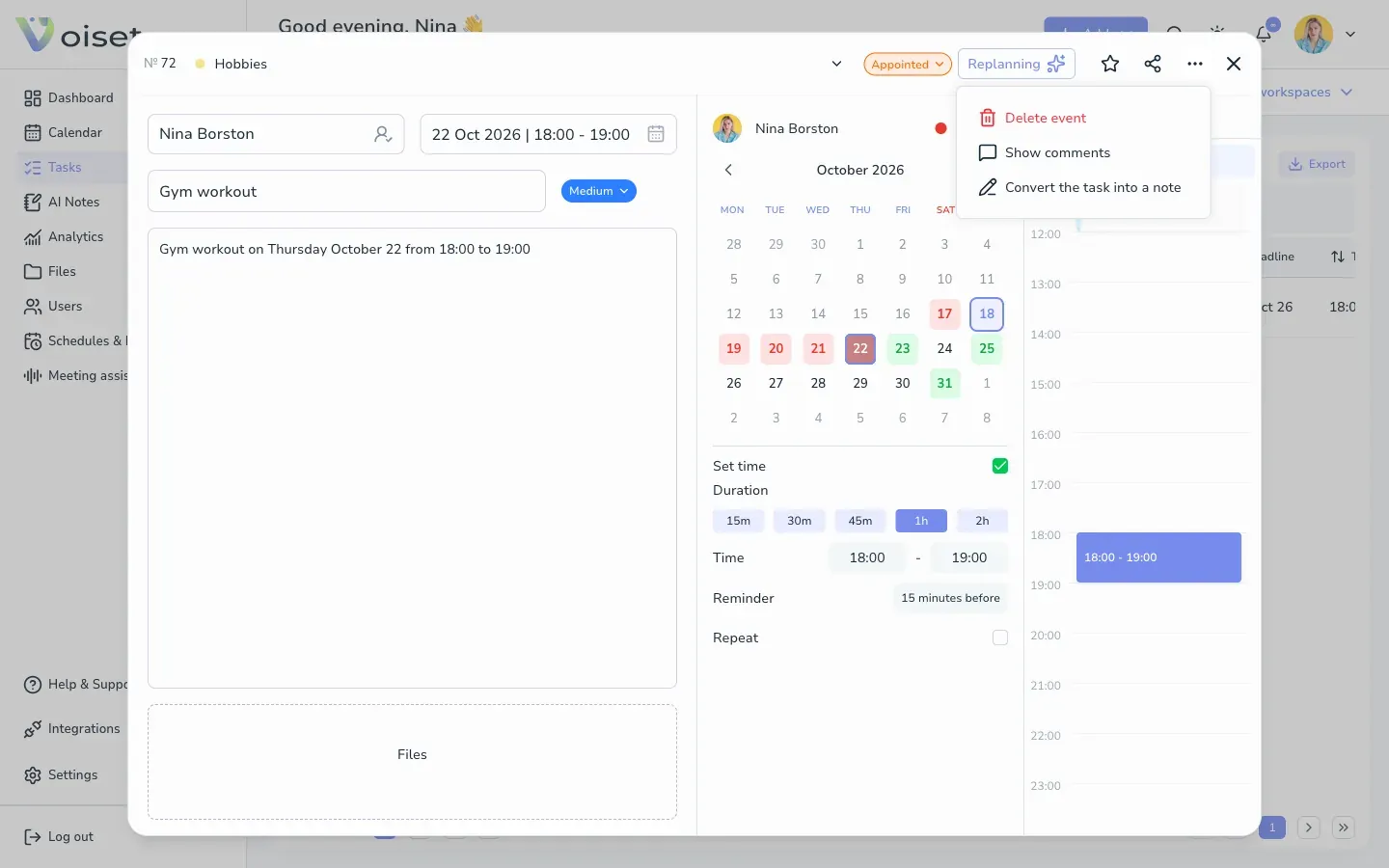
- Click ... in the card header.
- Choose Delete event.
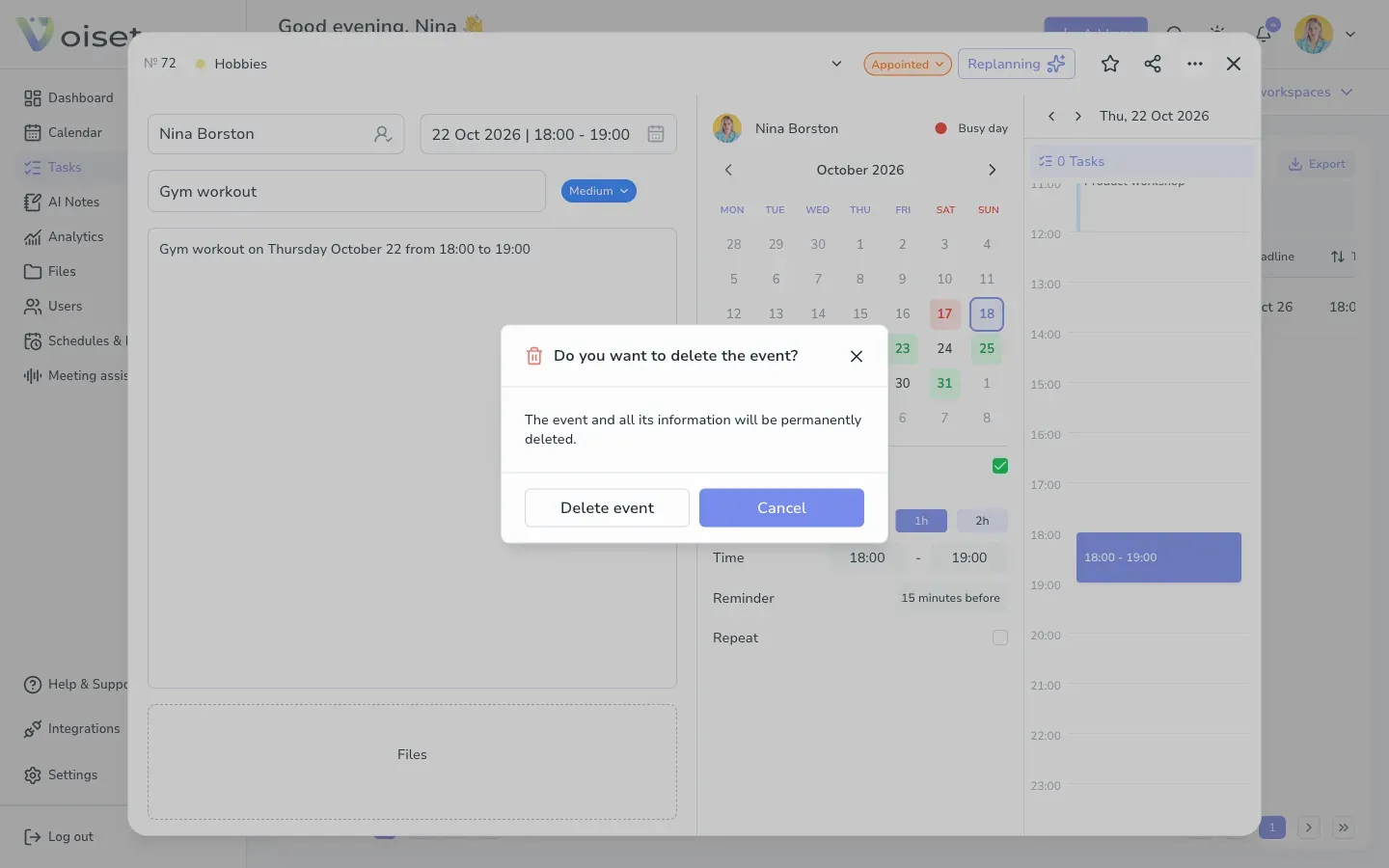
- Confirm with Delete event. Click Cancel to keep the task.
Tasks from connected calendars
Tasks from calendars connected with one-way (read-only) sync cannot be deleted in Voiset. Delete them in the original calendar. See Connect Calendars.