

Search and Quick Actions
The search window finds tasks and notes, opens any page of Voiset and runs common actions without using the mouse.
Open search
Click the magnifier icon at the top of the screen, or press Ctrl+K (Windows) or Cmd+K (Mac).
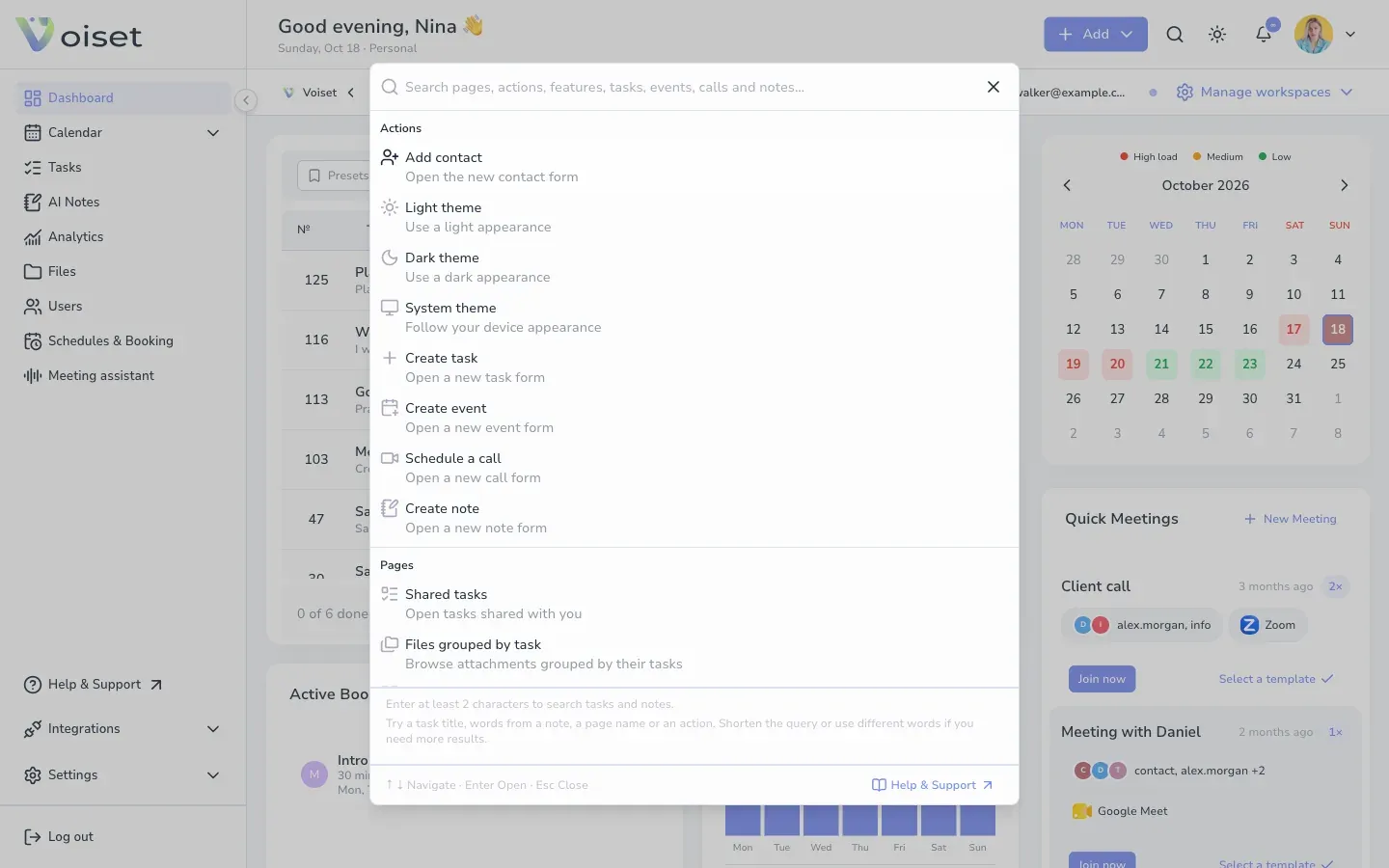
Before you type, the window lists:
- Actions: add a contact, switch to the light, dark or system theme, create a task, event, call or note.
- Pages: shared tasks, files grouped by task, dashboard, calendars, tasks, AI notes and more.
- Features: working hours, interface language, invitations and integrations.
- Wiki: guides from this help center.
Search
Type at least 2 characters. Voiset searches task titles, words from notes, page names and actions.
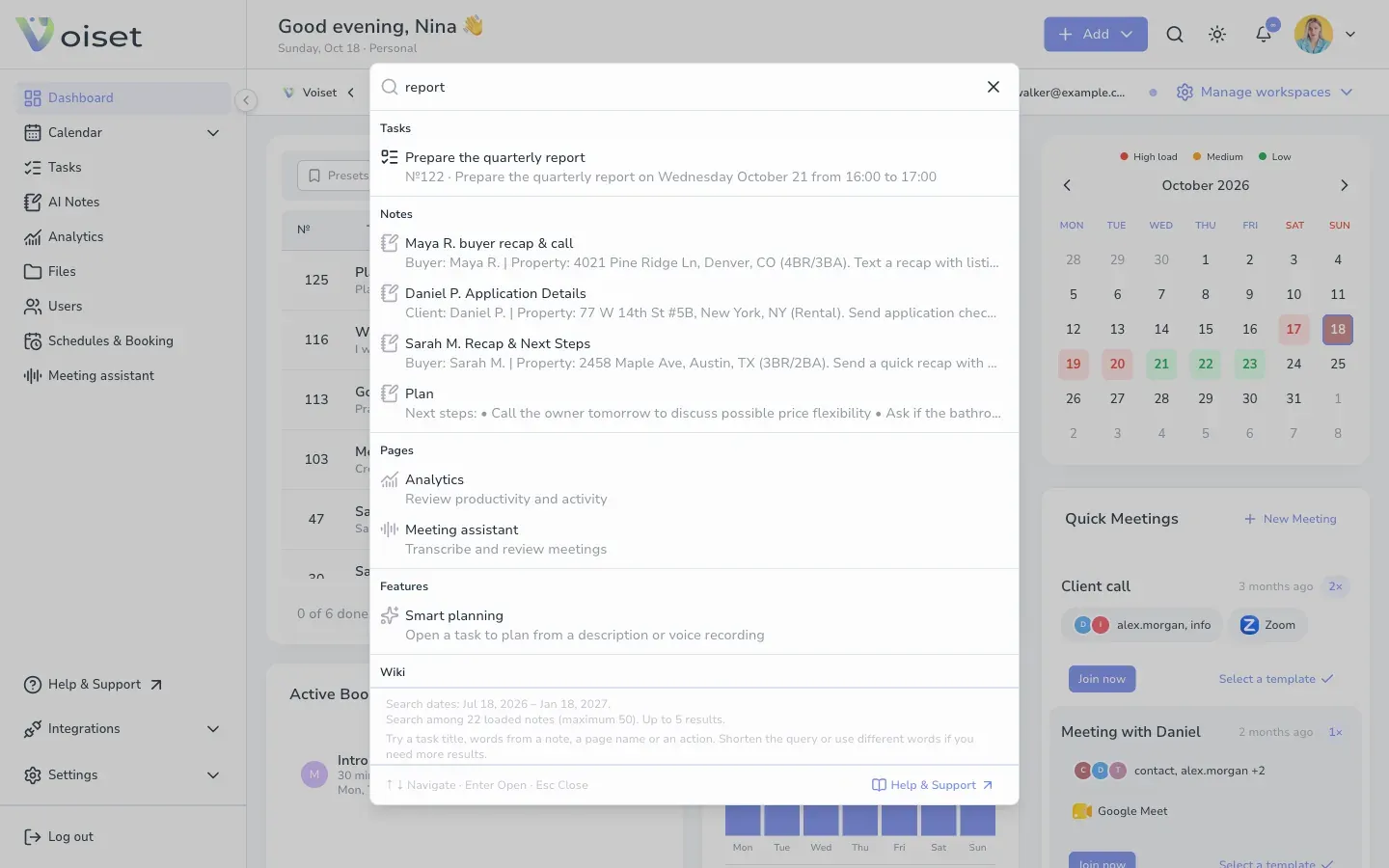
Results are grouped into Tasks, Notes, Pages, Features and Wiki.
Use the keyboard
- Up and Down arrows move between results.
- Enter opens the selected result.
- Esc closes the window.