

Convert Task to Note
Sometimes a task is planned too early: you know it needs to be done, but not when. Convert it into a note. It leaves the calendar and waits on the AI Notes page until you are ready to plan it again.
Convert a task
- Open the task.
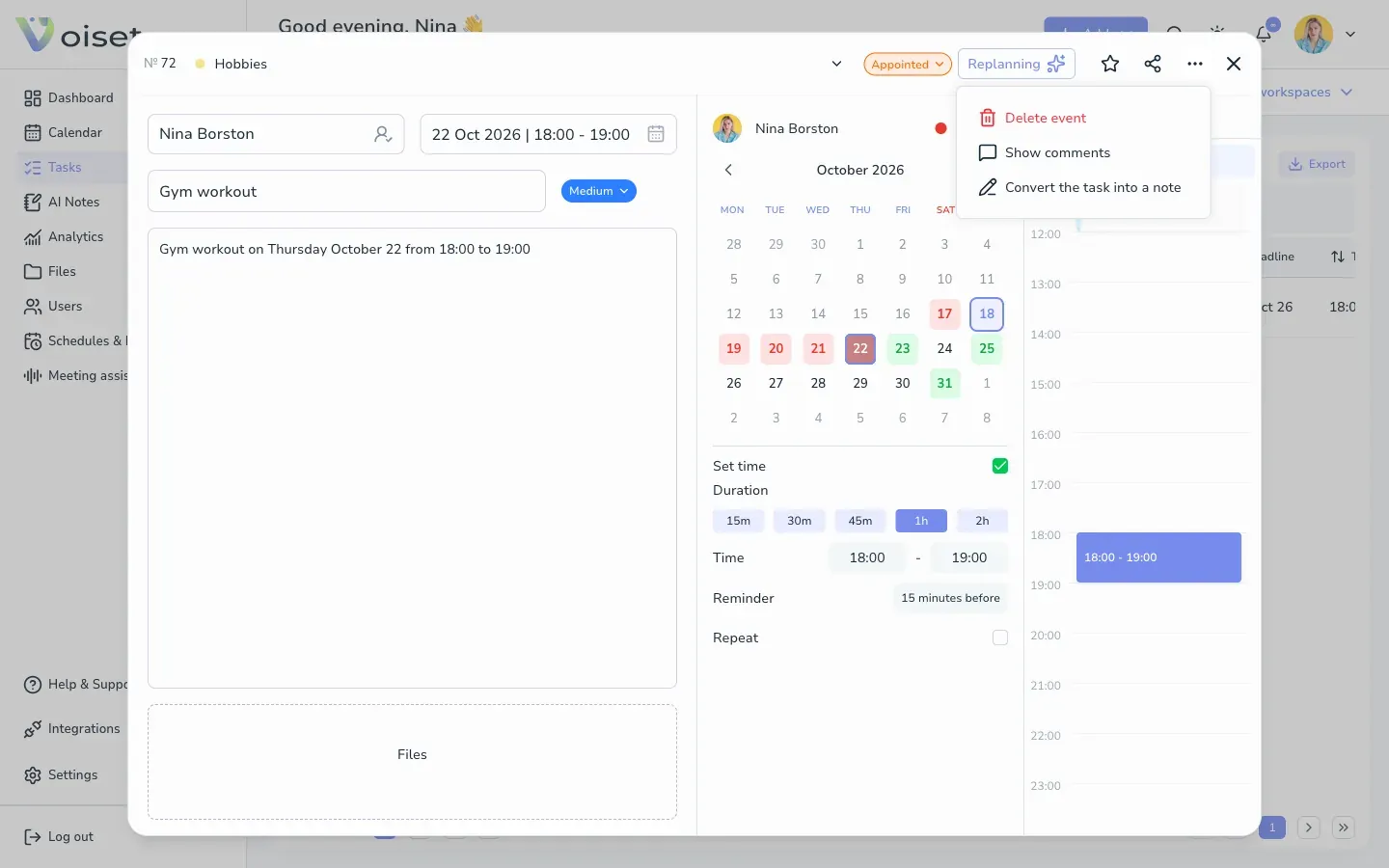
- Click ... in the card header.
- Choose Convert the task into a note.
The task is removed from the calendar and appears as a note.
Plan it again later
When the time comes, turn the note back into a task in one click. See Convert Note to Task.