

Share a Task
You can send anyone a link to a task. This is useful when you want to show a task to a person who is not a member of your workspace.
1. Get the link
- Open the task.
- Click the share icon in the card header.
- Click the copy icon next to the link.
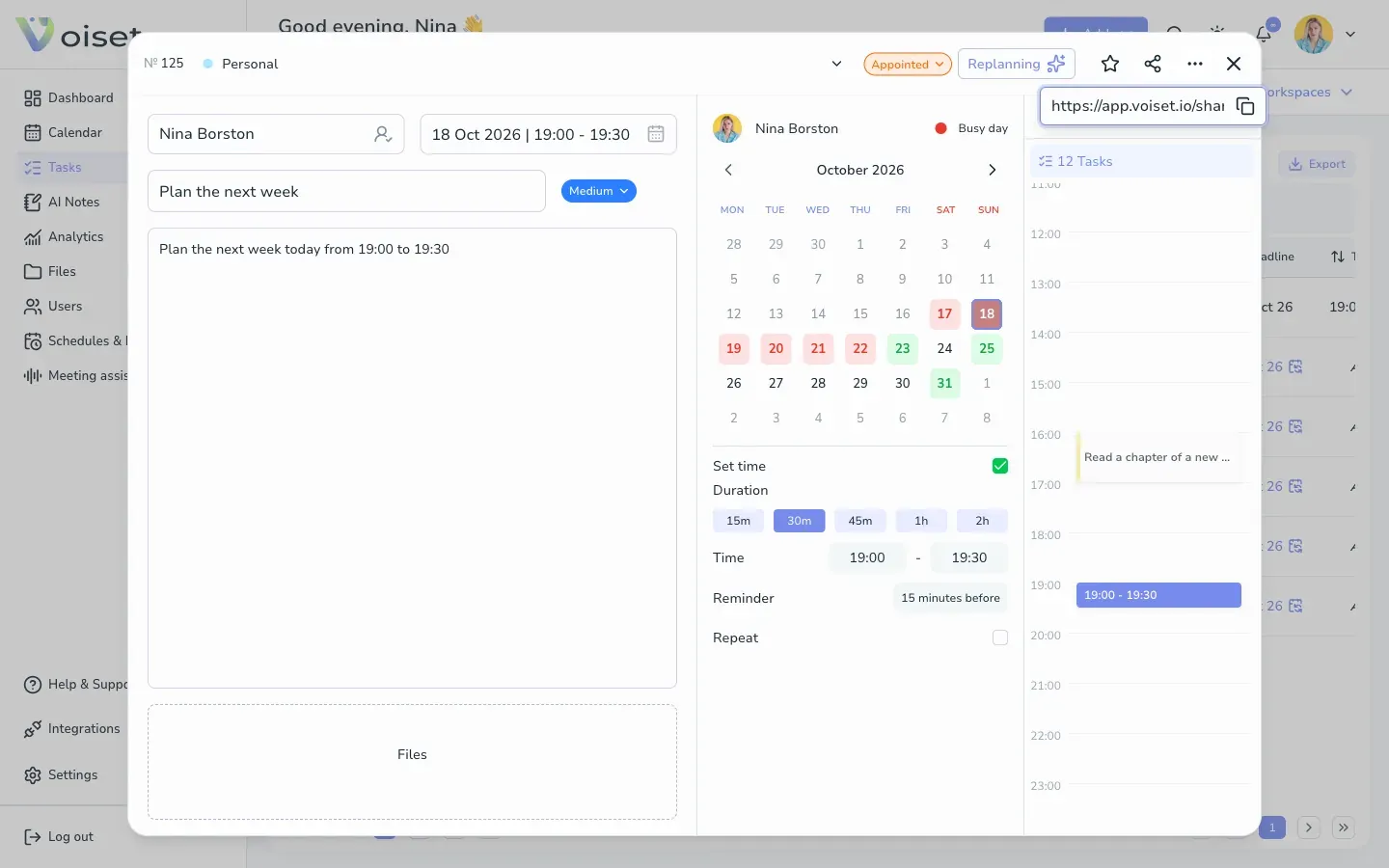
Paste the link into an email or a chat.
2. Manage shared tasks
All tasks you shared are listed on the Tasks page in the Shared tasks tab.
For each task you see the name, the person, the date and the status. Use:
- Copy link to copy the link again,
- Close in the Access column to stop sharing the task. The link stops working.
You can also open the list from search: press Ctrl+K or Cmd+K and choose Shared tasks.