

Invite Users to Workspace
Voiset is built for cooperative work. You can invite both new users who have not registered yet and users who already have a Voiset profile.
When you invite someone into your workspace, that workspace appears in their list of available workspaces. They can then work inside it, receive tasks, and participate in planning. If the invited user wants to create their own workspace later, they will need a separate plan. Invited users also share the same available minutes for speech recognition and data storage, but they can still invite other users to their own workspaces.
Where to invite users
You can invite users from two places:
- The Users tab here: https://voiset.org/users/invitations
- The workspace area by opening workspace management.
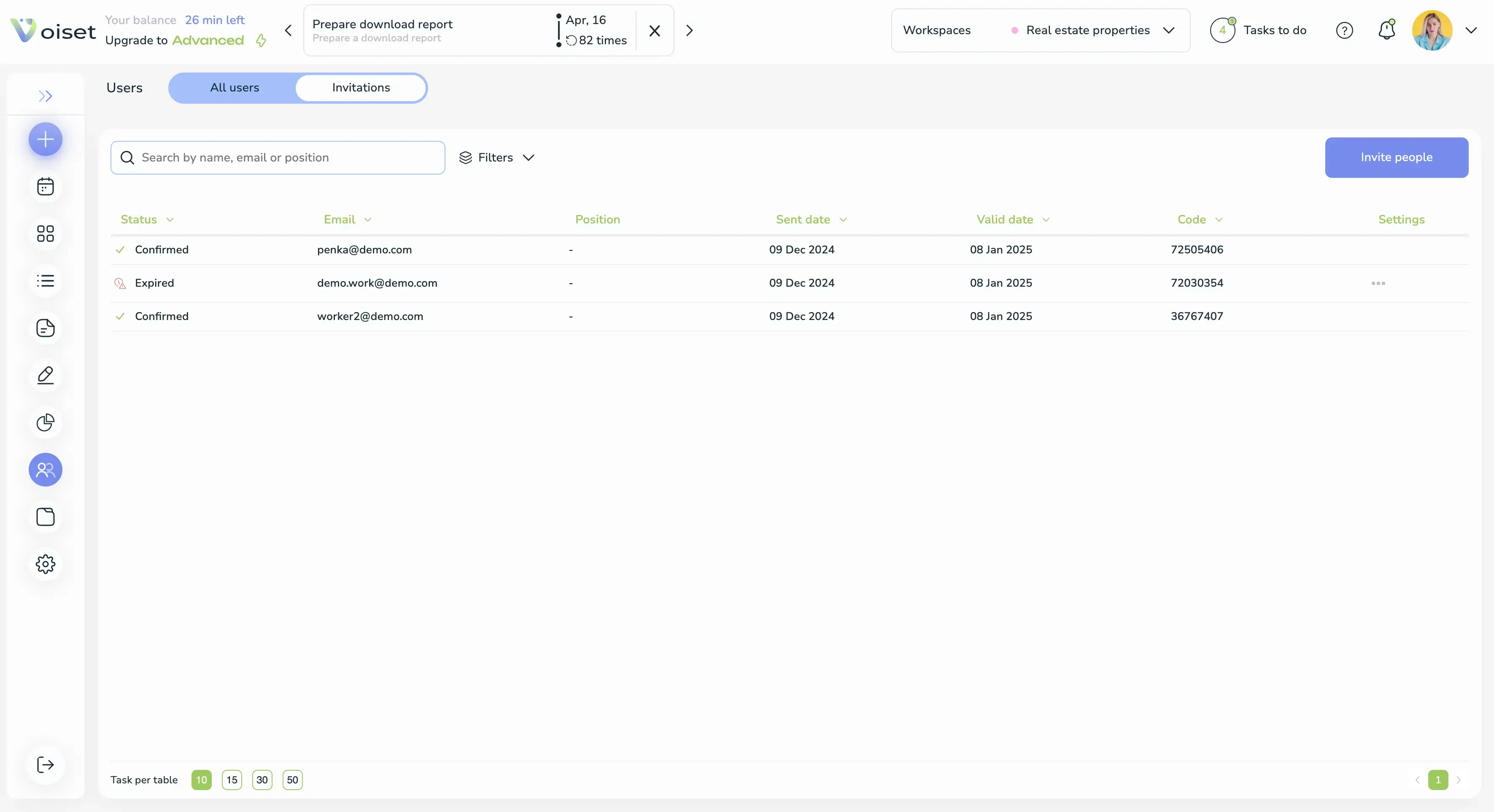
In the Users section, you can manage invitations and see the current user list. This is the most direct place to invite people into a workspace.
Invite by email
Users are always invited to a specific workspace. To send an invitation, enter their email address and Voiset will automatically send the invite.
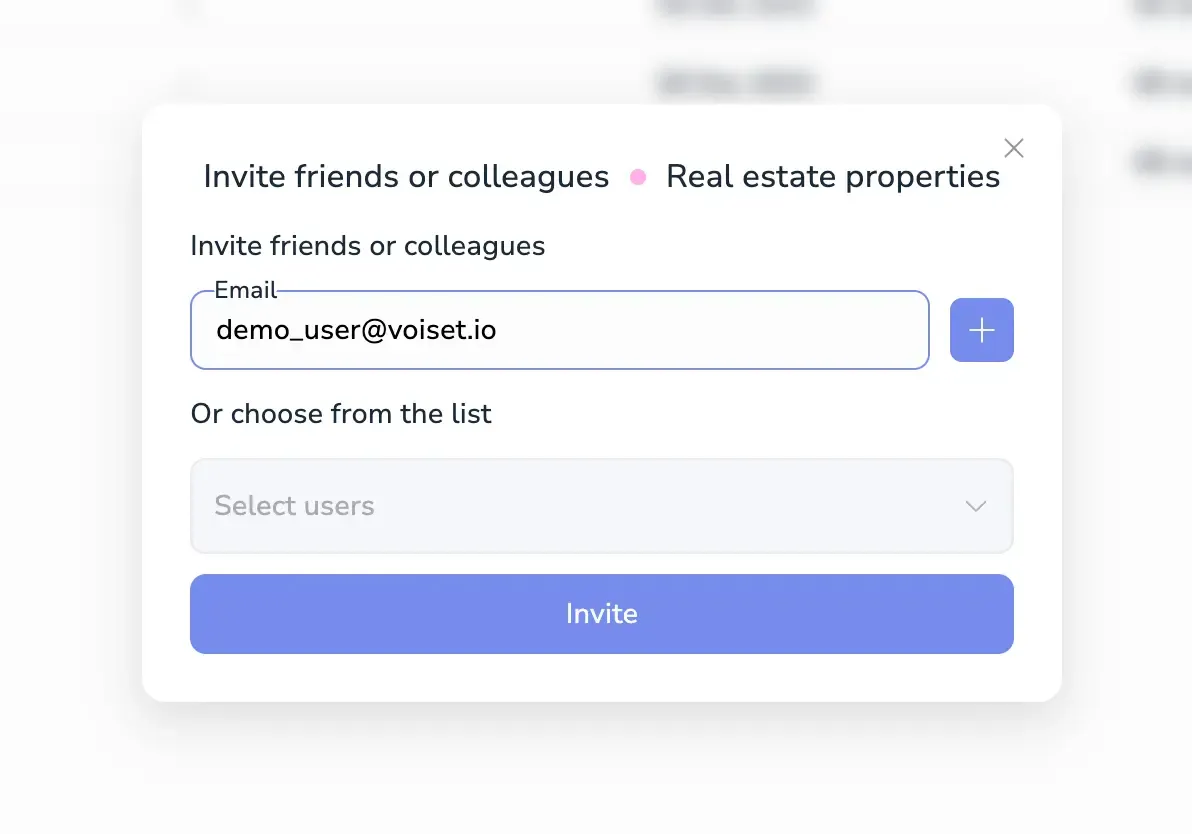
This works whether the person already has an account or not. The system handles both cases automatically.
If the user is not registered
If the email address is not yet registered in Voiset, the person receives an email invitation with an Accept invitation button.
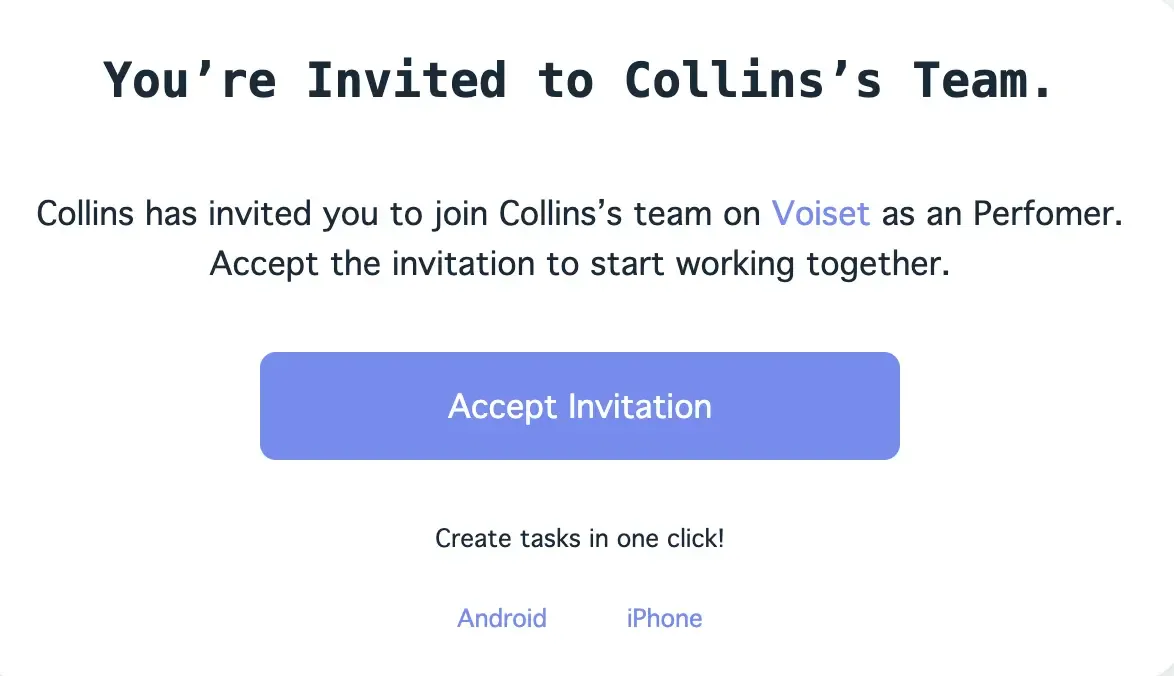
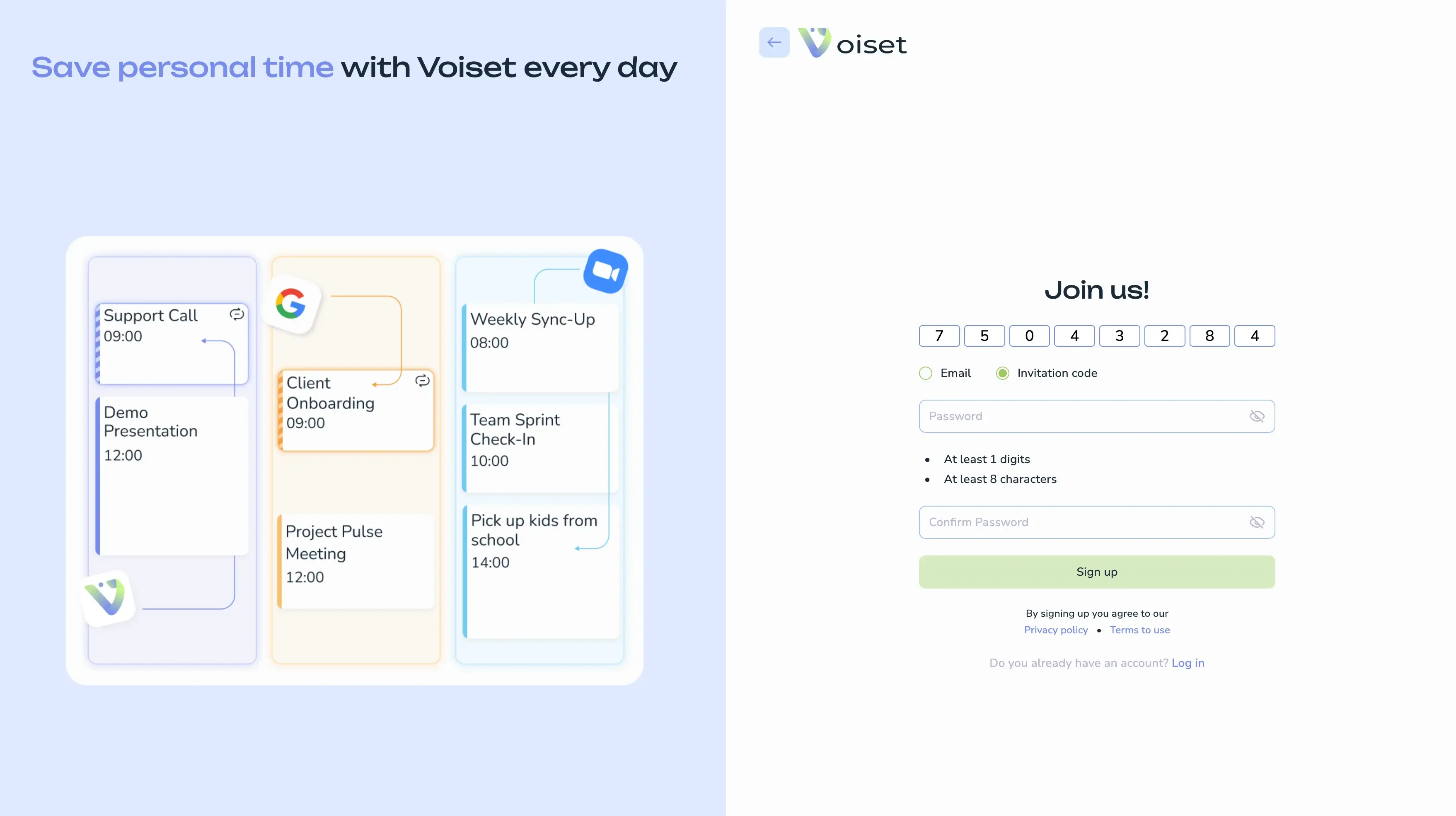
When they click the button, they are redirected to the registration flow, and the invitation code is filled in automatically.
If the user already has an account
If the invited person is already registered in Voiset, they receive a notification asking them to join the workspace. After accepting it, the new workspace appears in their account.
This makes collaboration very fast because existing users can join immediately without creating a new account.
Complete the join flow
After creating a password and confirming the invitation, Voiset asks the user to enter their first and last name to finish joining the workspace.
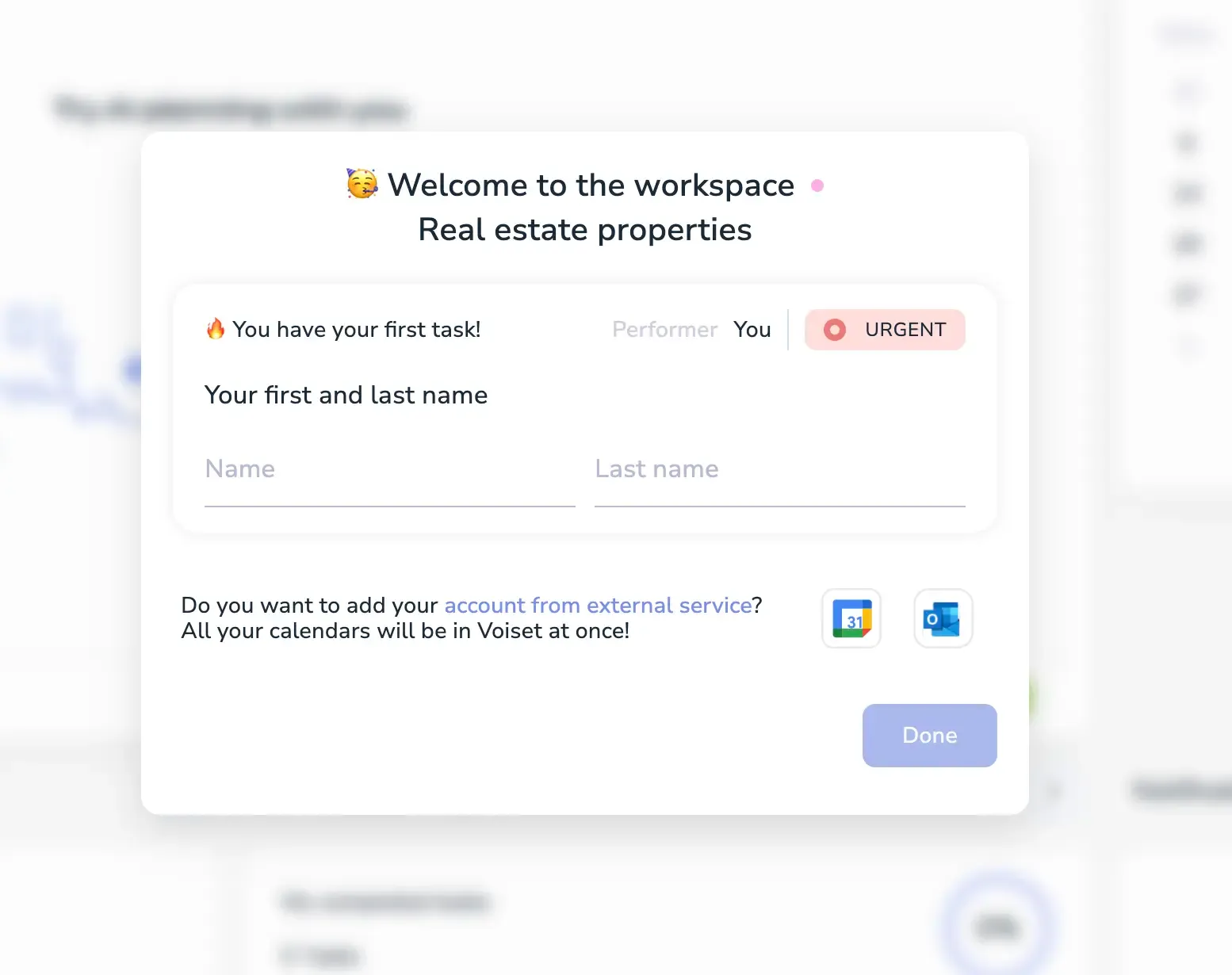
Once this step is complete, the user becomes a full participant in the workspace and can be assigned tasks inside that workspace.
What invited users can do
After joining, the user can:
- See the workspace in their account.
- Receive and manage tasks in that workspace.
- Participate in shared planning.
- Invite other users to their own workspaces.
Why this is useful
This feature turns Voiset from a personal planner into a collaborative planning system. It is useful for teams, assistants, partners, and delegated work where multiple people need to work inside the same planning structure.