

Dark Theme and Interface Language
Switch the theme
Click the sun or moon icon at the top of the screen. Voiset switches between the light and the dark theme.
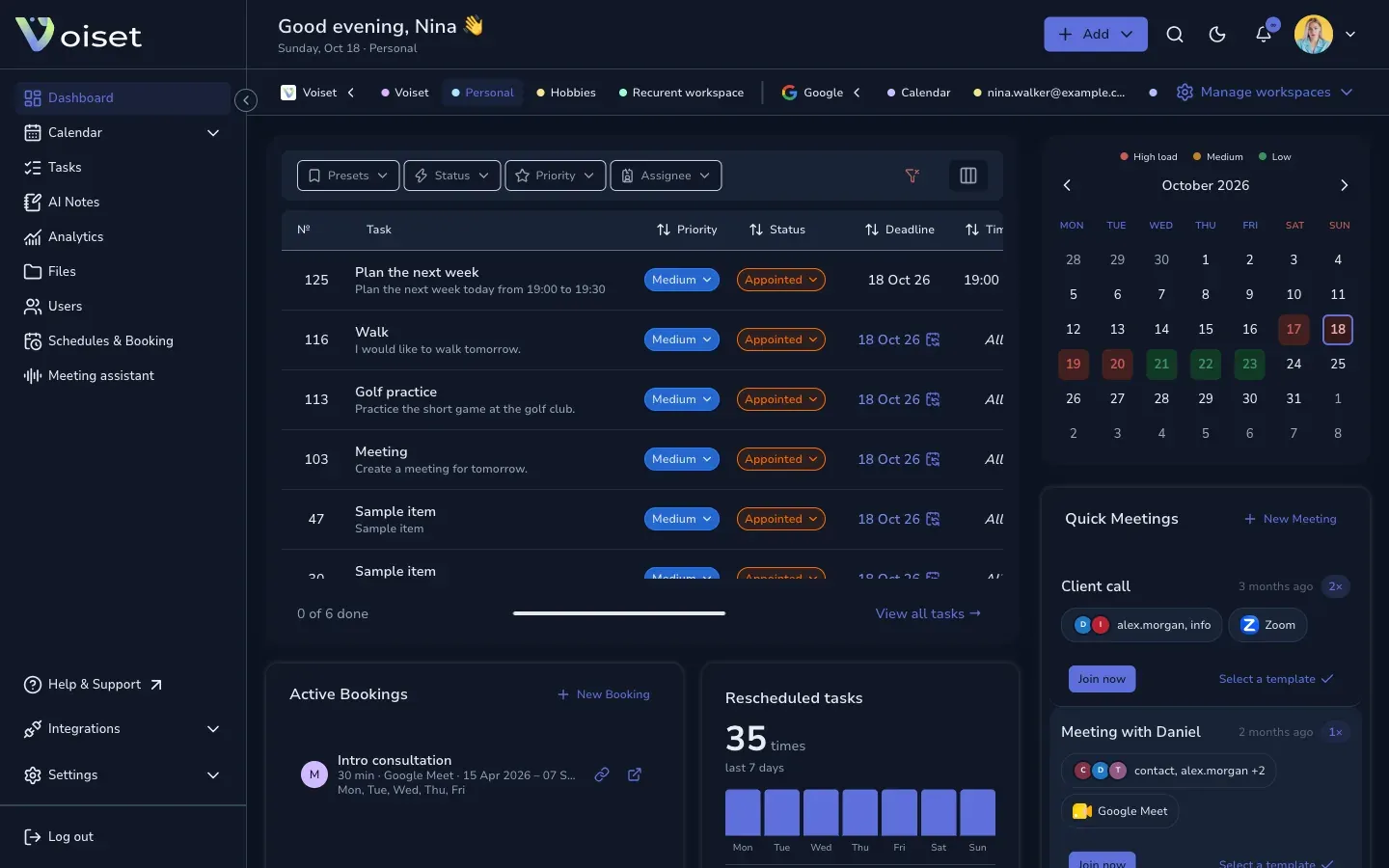
You can also press Ctrl+K / Cmd+K and choose:
- Light theme,
- Dark theme,
- System theme to follow the setting of your computer or phone.
Change the interface language
- Click your photo at the top of the screen.
- Choose Interface language.
- Pick a language: English or العربية (Arabic).
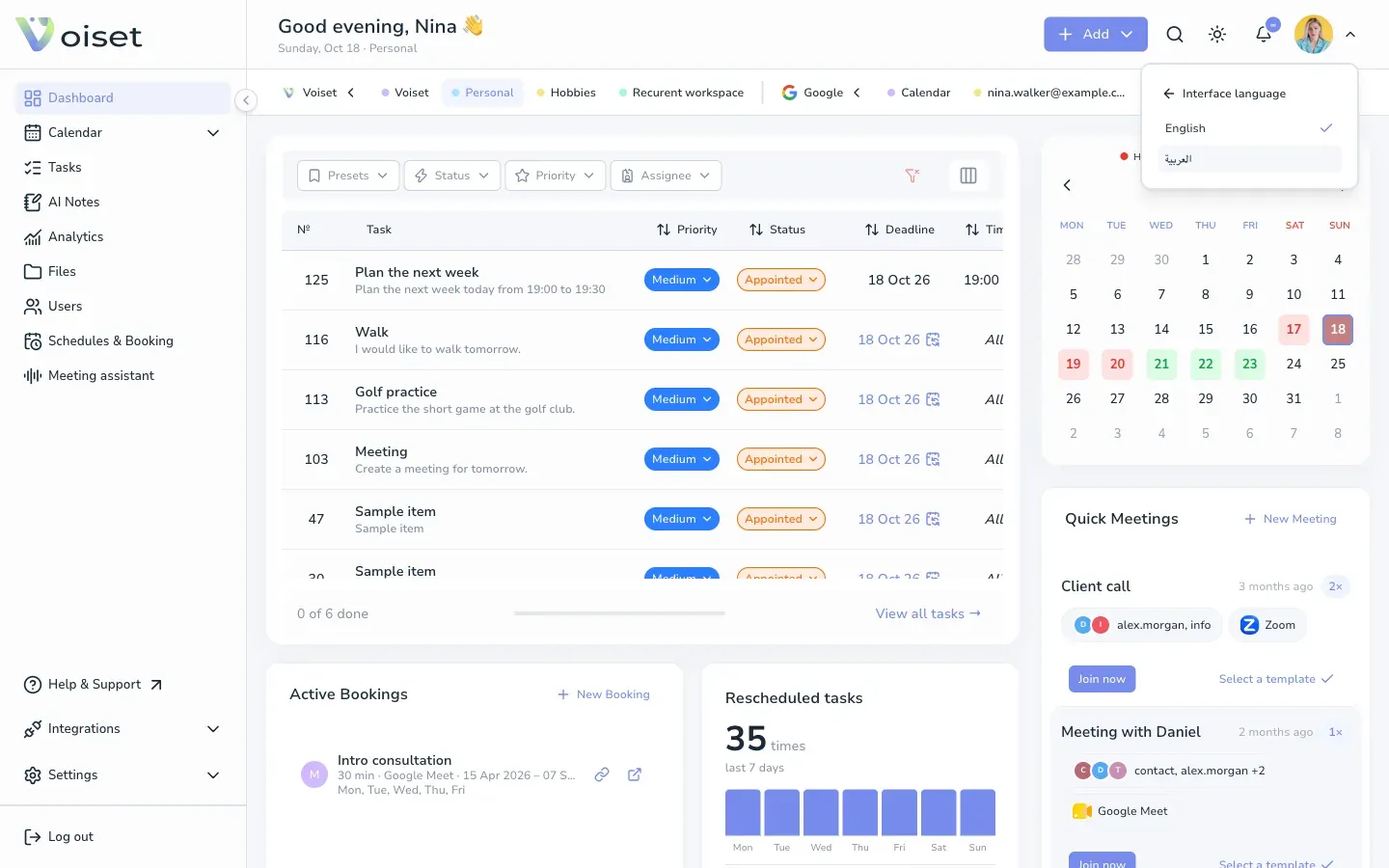
The menus and buttons switch to the new language. Arabic uses a right-to-left layout.
The interface language does not change the language of voice recognition. Set that in Settings > Profile > Voice recognition. Voiset recognizes speech in 55 languages.
Language of the login screen
On the login and sign up pages, choose the language in the top right corner.