

Help and Training
Start the Voiset training
The training walks you through the main features on a demo calendar, step by step.
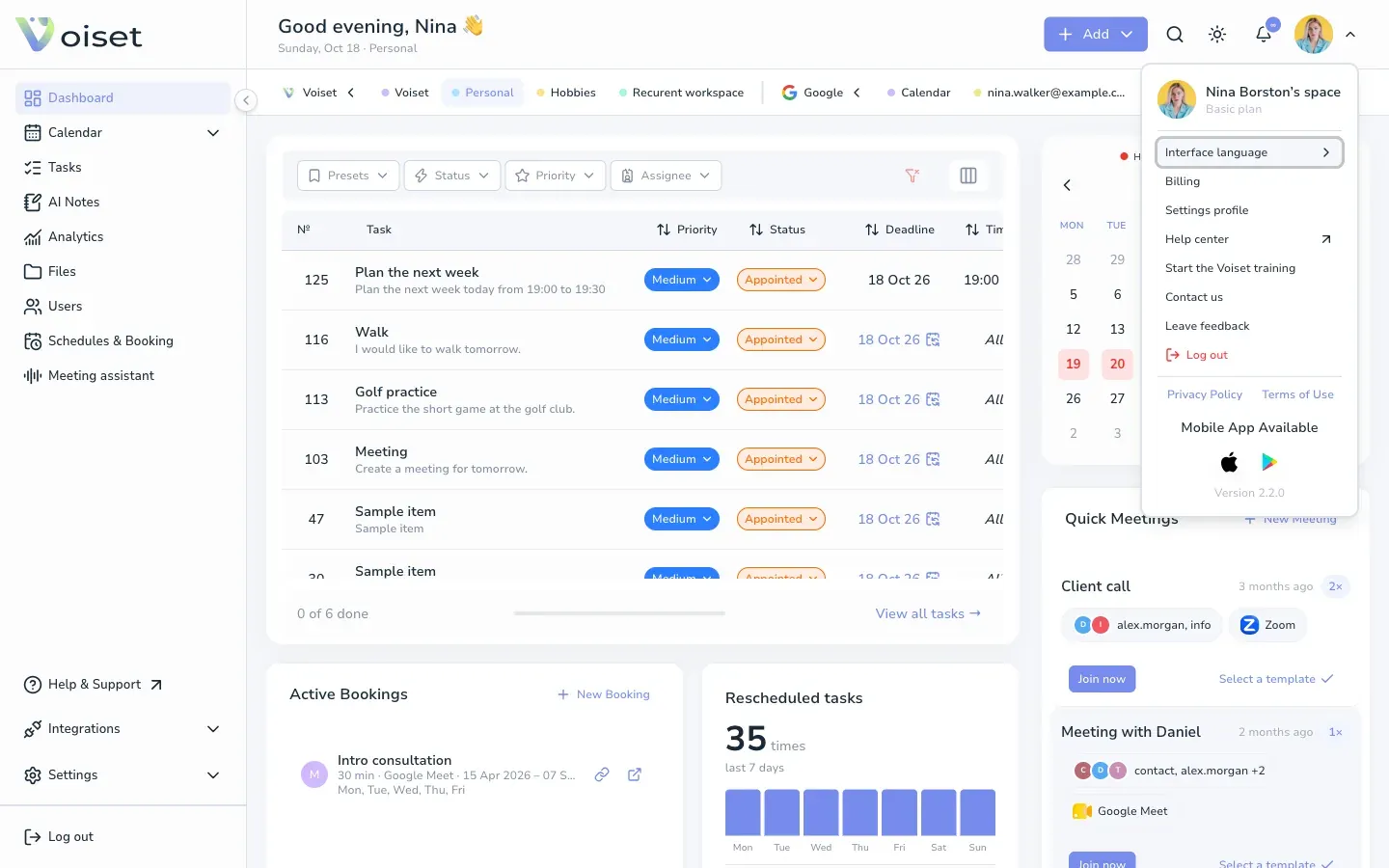
- Click your photo at the top of the screen.
- Choose Start the Voiset training.
- Pick one topic to start with:
- Add a task in seconds
- Jot down ideas as AI notes
- Plan your week in one view
- Share your availability for bookings
- Schedule meetings with your team
- Map out your entire month
- How to connect AI agents
- Click Get started.
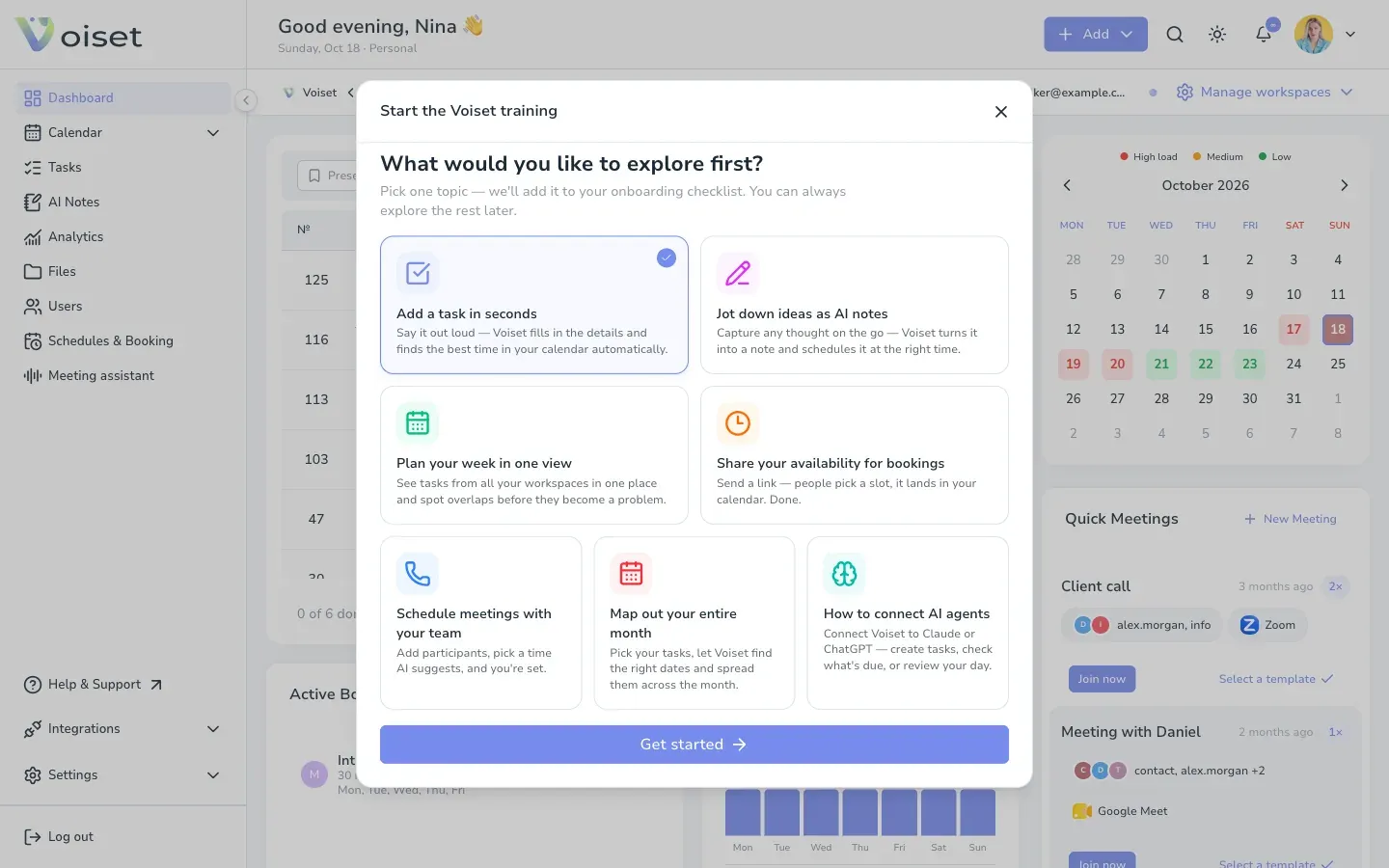
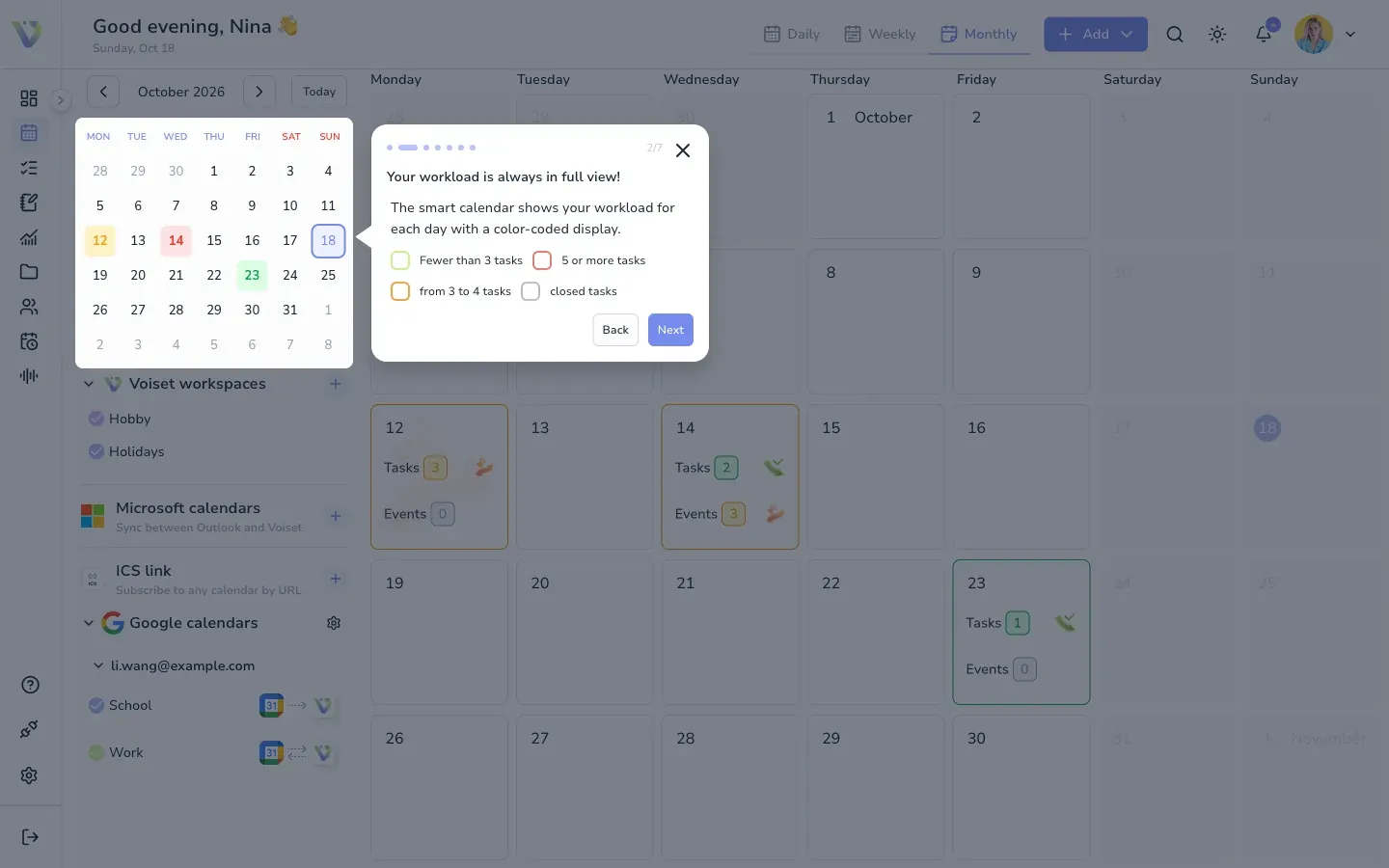
Voiset adds the topic to your onboarding checklist and shows tips on the screen. Click Next to go to the next tip and Got it! to finish. The training uses example data, your own tasks are not changed.
Help center
Click Help & Support in the left menu, or choose Help center in the menu under your photo. It opens this wiki. You can also find guides from the search window (Ctrl+K / Cmd+K).
Contact us
Choose Contact us in the menu under your photo, or write to contact@voiset.io.
Leave feedback
Choose Leave feedback in the menu under your photo and tell us what to improve.
Mobile apps
The menu under your photo also links to the Voiset apps for iPhone and Android.