

Get Started with Voiset
Voiset helps you manage tasks, meetings, availability, and calendars in one place. Follow these steps to get started quickly.
1. Create an account
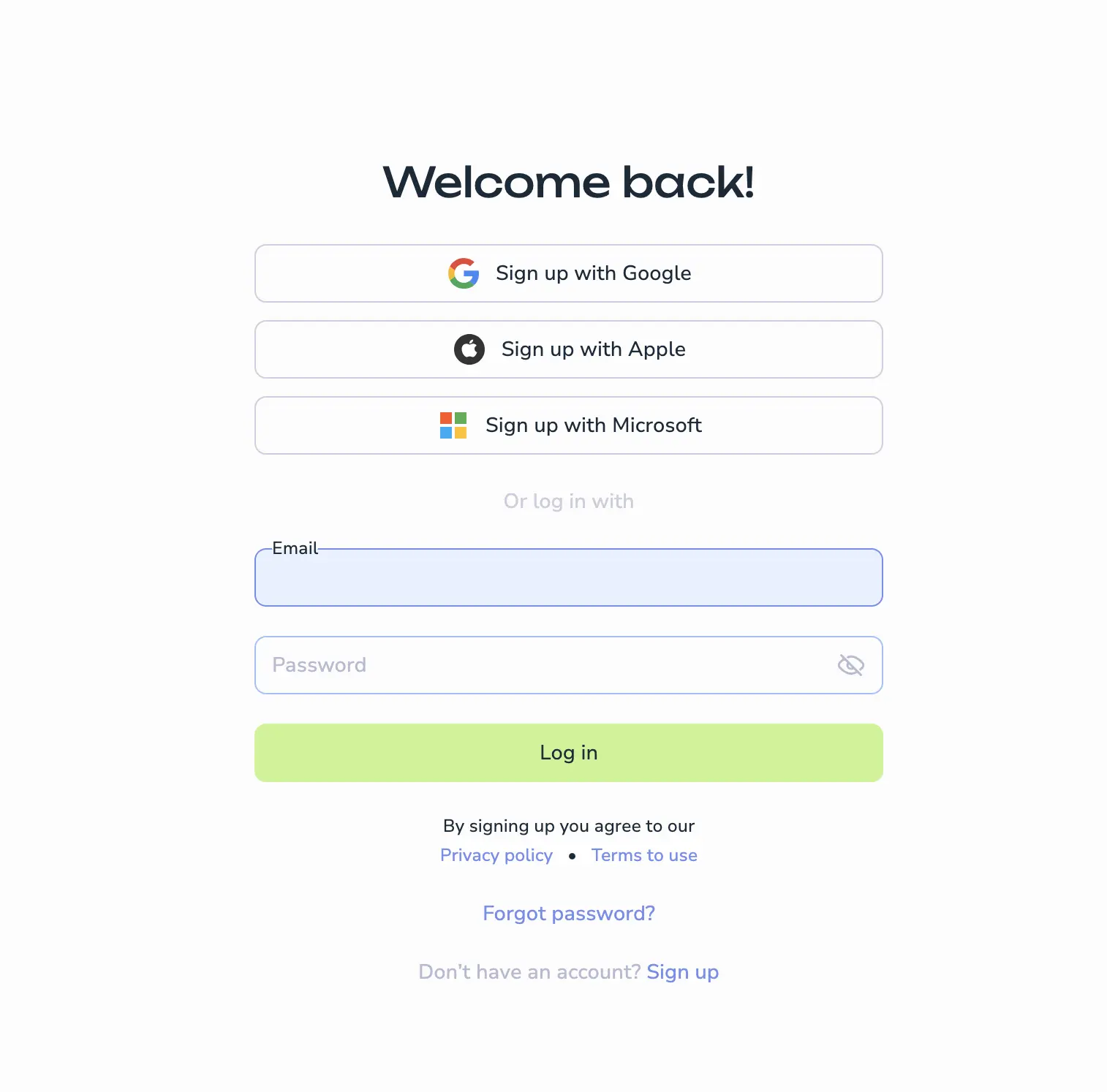
Open one of these registration pages:
You'll see the sign-up screen with several registration options.
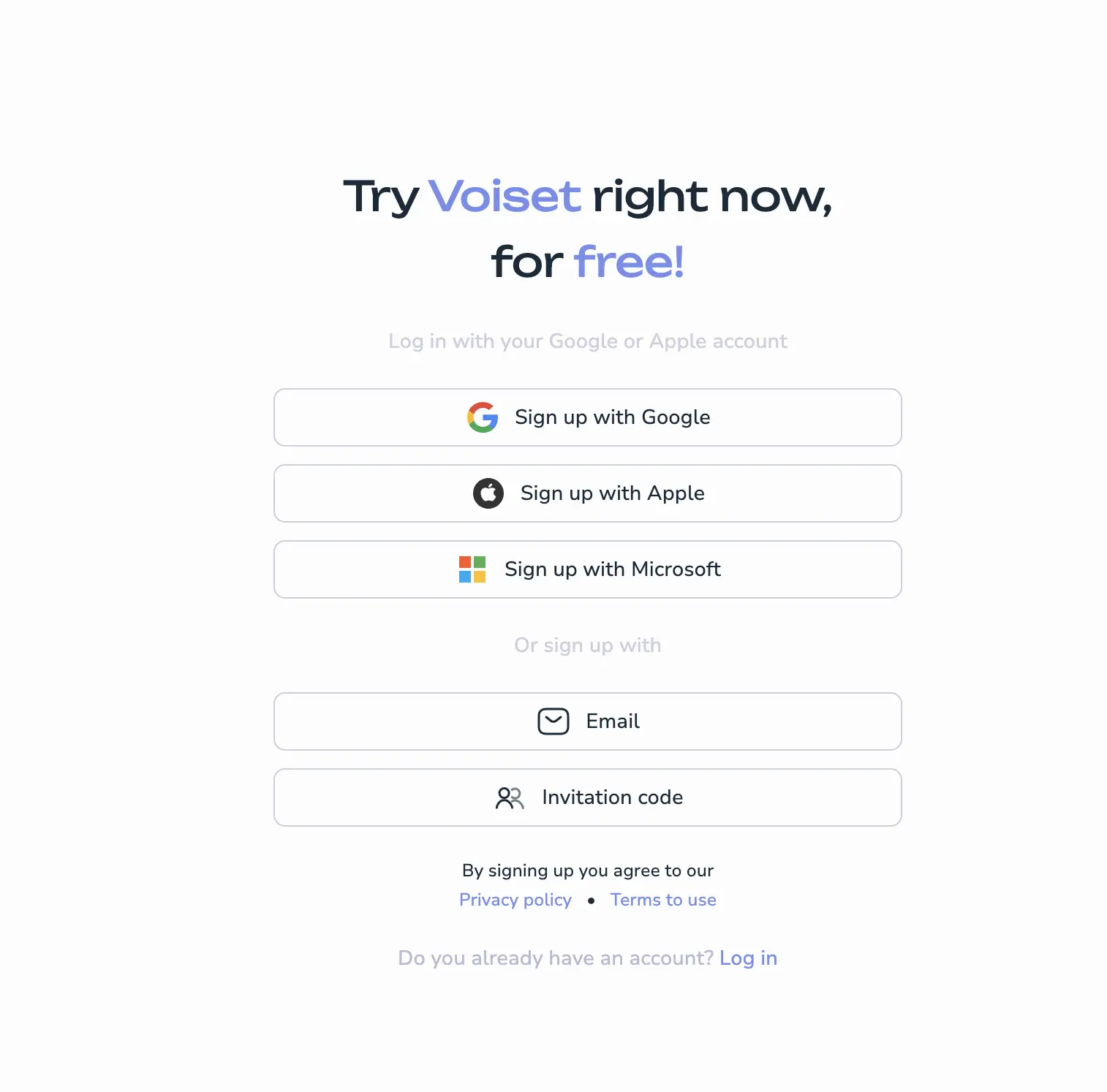
Quick sign up
Sign up instantly using:
- Apple
- Microsoft
Click your preferred option and confirm access. You'll be logged in immediately.
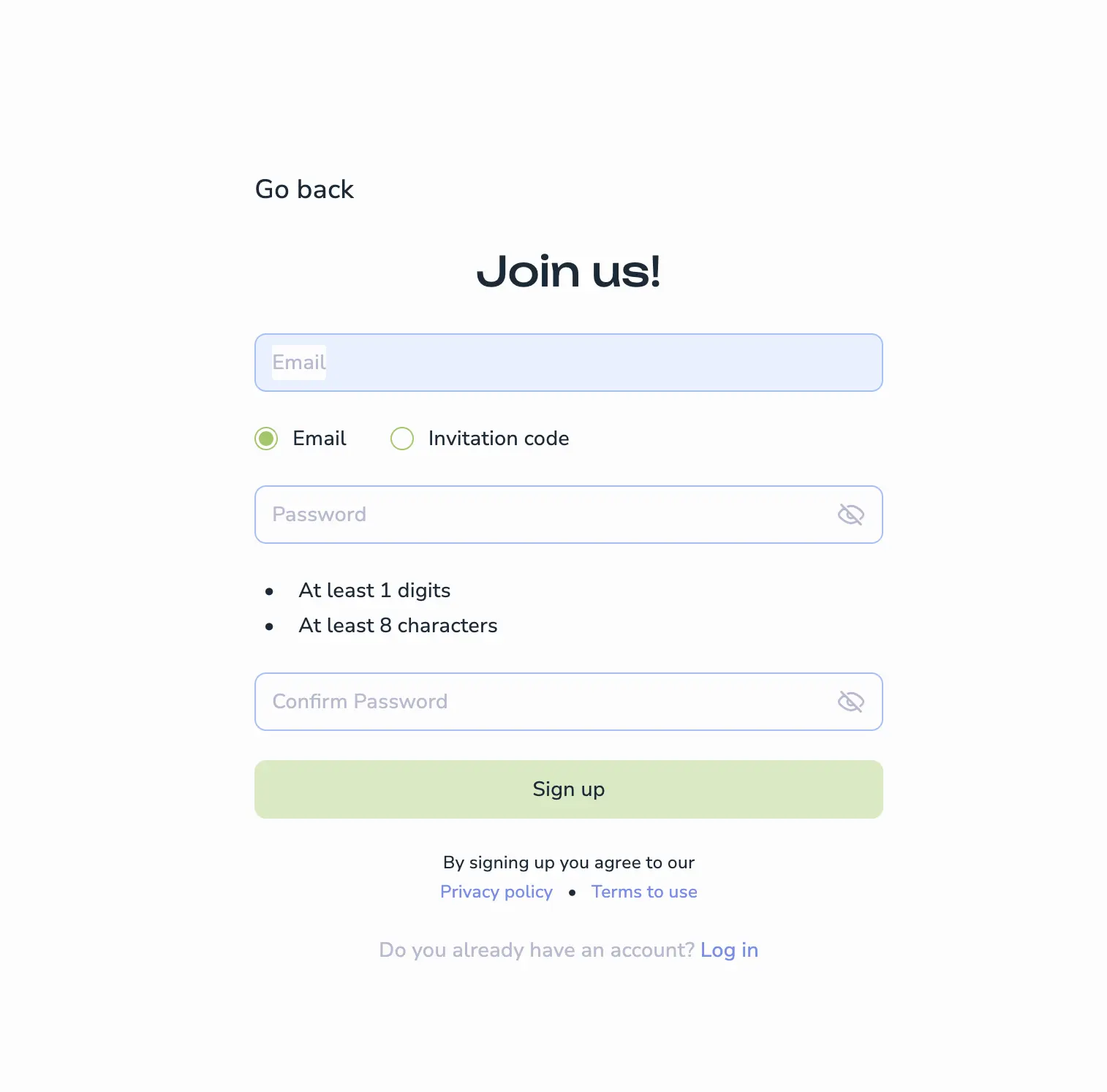
Email and password
Standard registration with email address.
- Enter your email address
- Create and confirm your password
- Click Sign up
noreply@voiset.io.Invitation code
Join a workspace using an invitation code.
If you have an invitation code:
- Enter the code on the registration screen
- Create and confirm your password
- Click Sign up
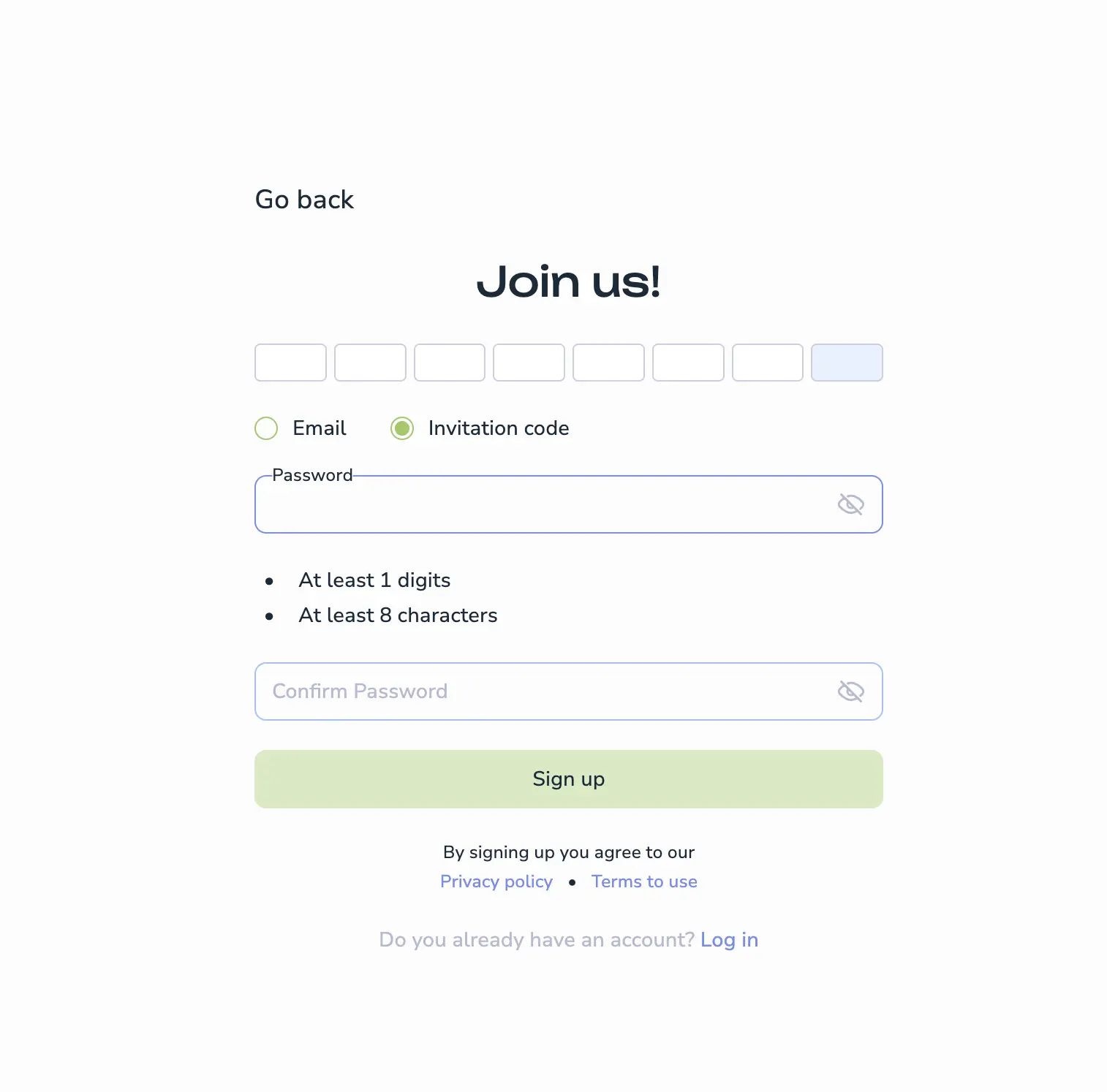
You'll join the inviter's workspace directly — no email verification or trial needed.
2. Verify your email
- Check your inbox for email from
noreply@voiset.io - Click Verify Email
3. Start 14-day trial
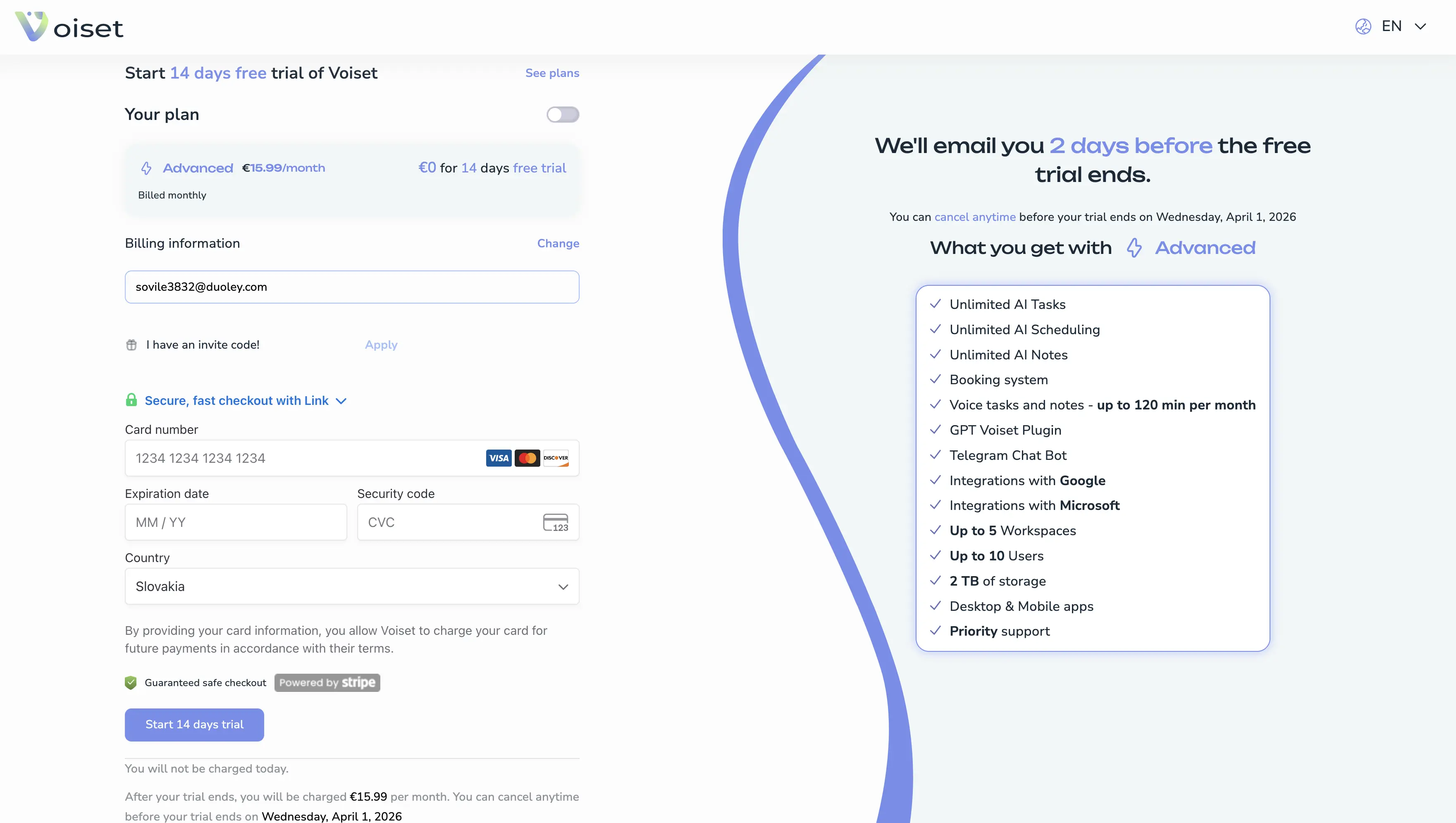
Enter payment details and confirm subscription.
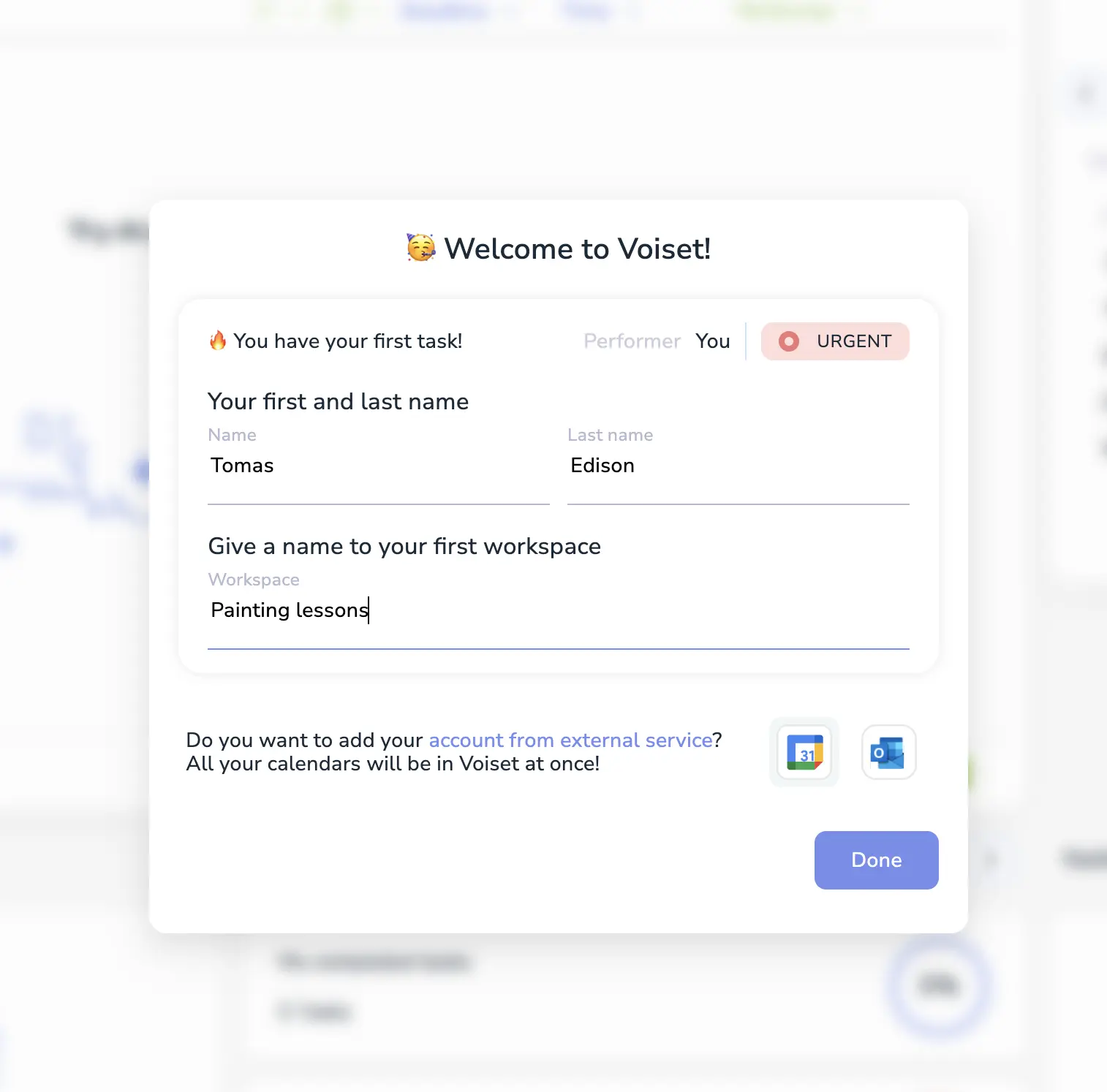
4. Create first workspace
Workspaces organize your tasks, files, users, and calendars. Every user needs at least one.
Setup steps:
- Enter your first name and last name
- Name your workspace
- Optionally connect external calendars
- Click Done
Connect calendars (optional)
Connect Google Calendar or Microsoft Outlook:
- Click the provider icon and sign in
- Select available calendars
- Choose sync type per calendar
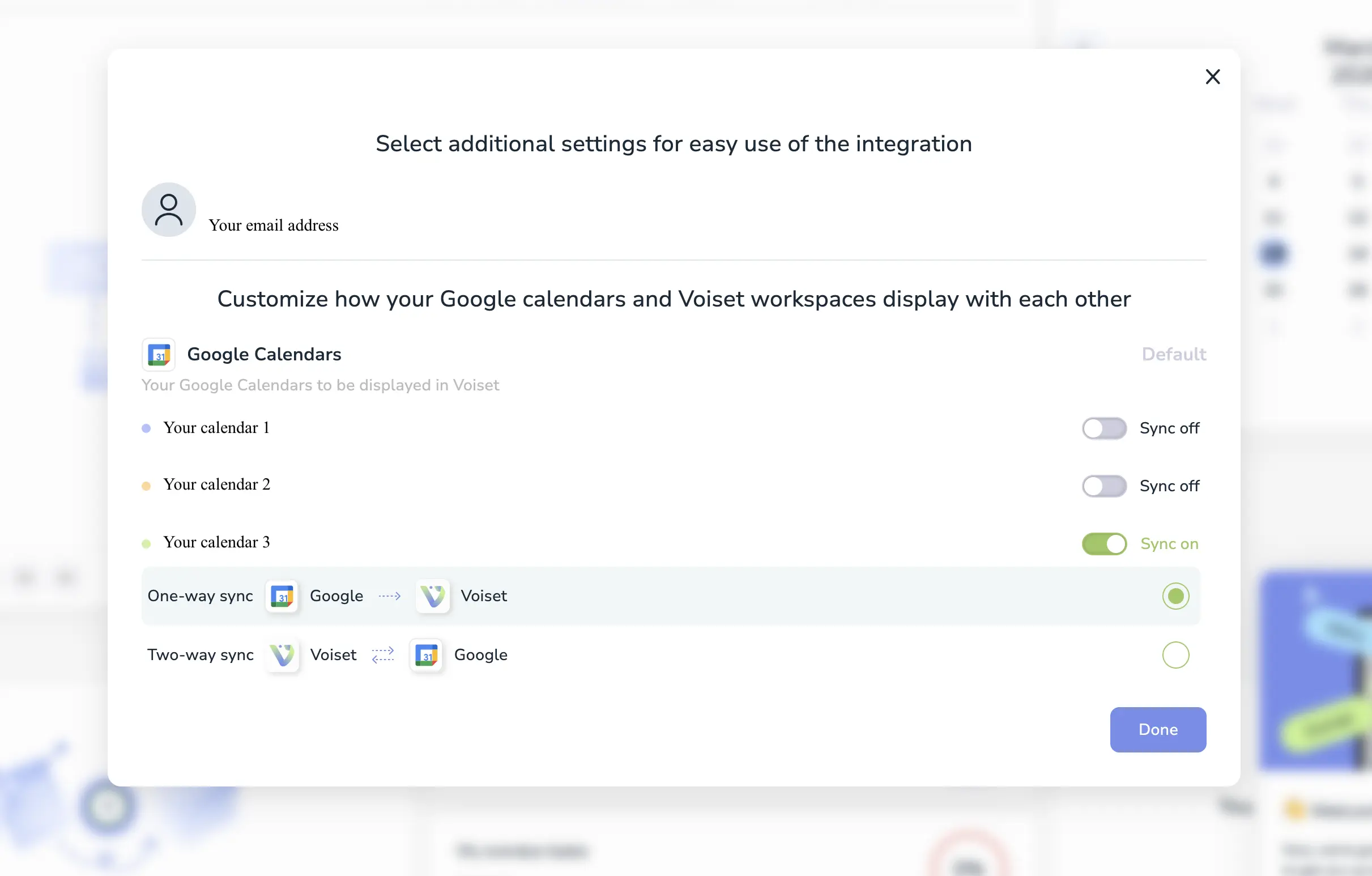
Sync options:
- Sync ON/OFF — enable/disable calendar
- One-way — read-only (Voiset receives events)
- Two-way — create/edit events in external calendar from Voiset
Click Done to complete. You can connect multiple calendars.
You're ready! 🎉
Start creating tasks, managing availability, and planning meetings in one place.